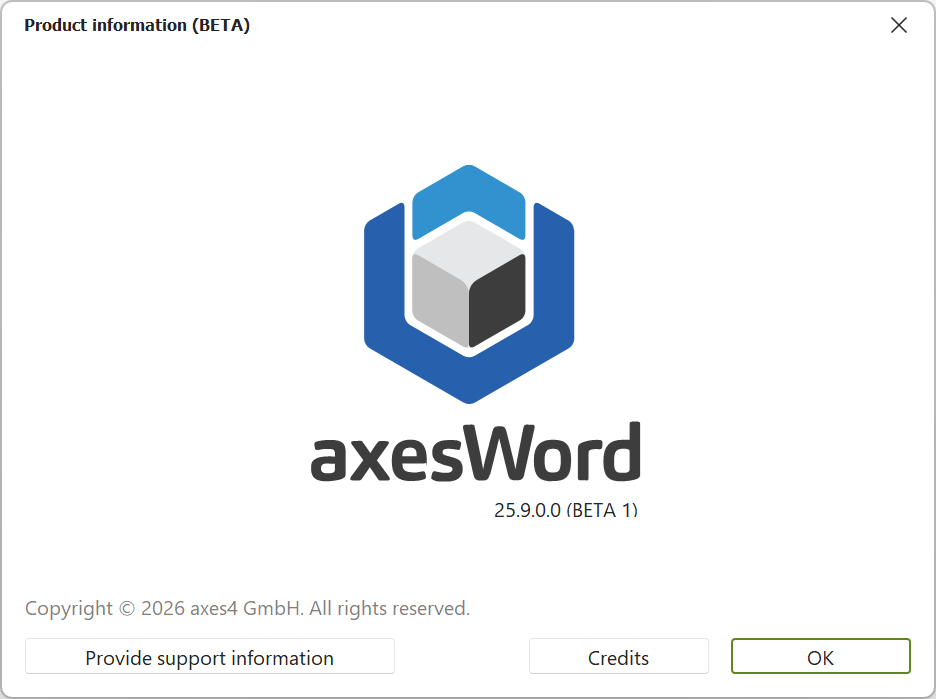
Check product information Bent Kirkegaard June 22, 2026 12:55 Updated On this page On this page You can review the product information at any time. Click on the axesWord tab in the Word ribbon. Click the Info button. The Product information dialog box opens. The current software version is displayed below the axesWord logo. Was this article helpful? Yes No 1 out of 2 found this helpful Have more questions? Submit a request